imagen
Featured images in your brand’s look
Make a featured image from a line of text, in a style learned from a few of your own images, with every top image model and 1,086 looks to choose from.

Model
What to make
A reading nook by a rainy window, a green wool armchair, a brass lamp switched on, a cup of tea on the sill
Looks
Reference imagesAttach
Shape1536 × 864
Images
Quality


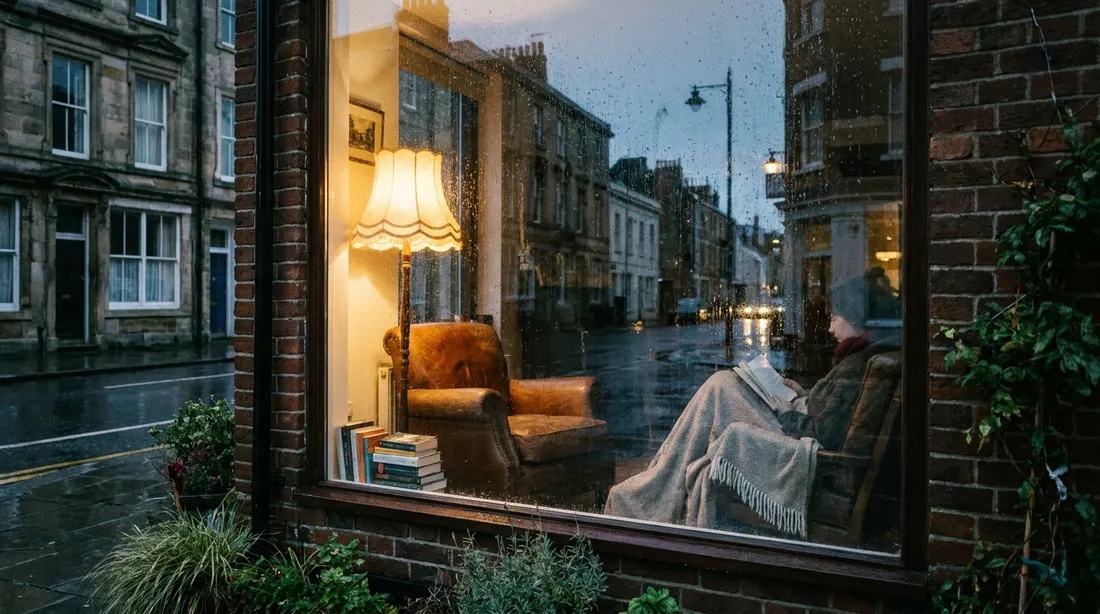
 Nano Banana Pro · 16:9V28
History · 28
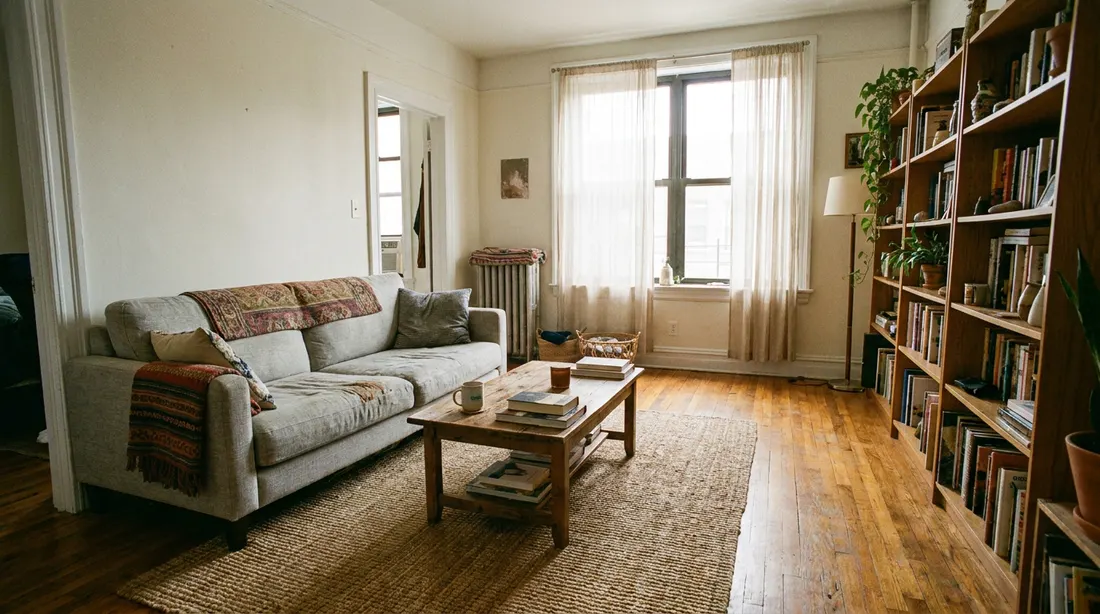
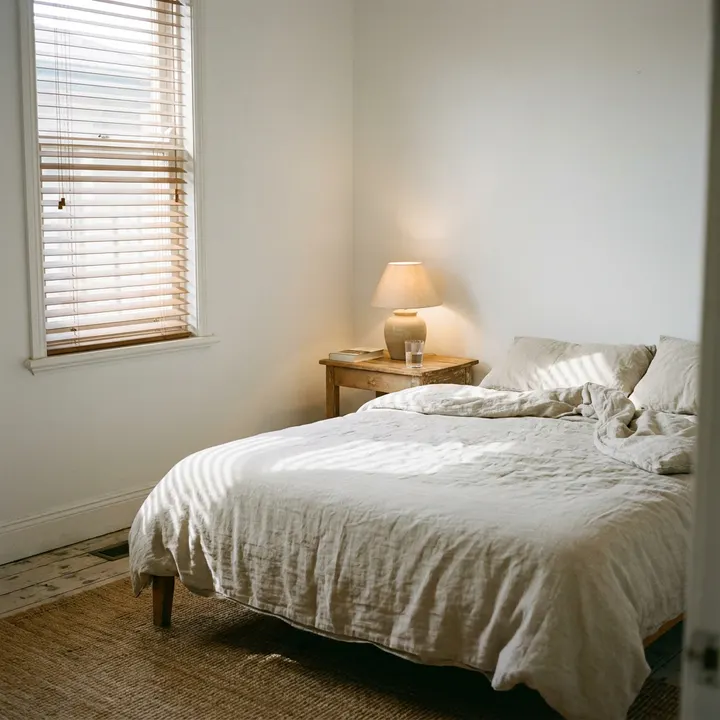

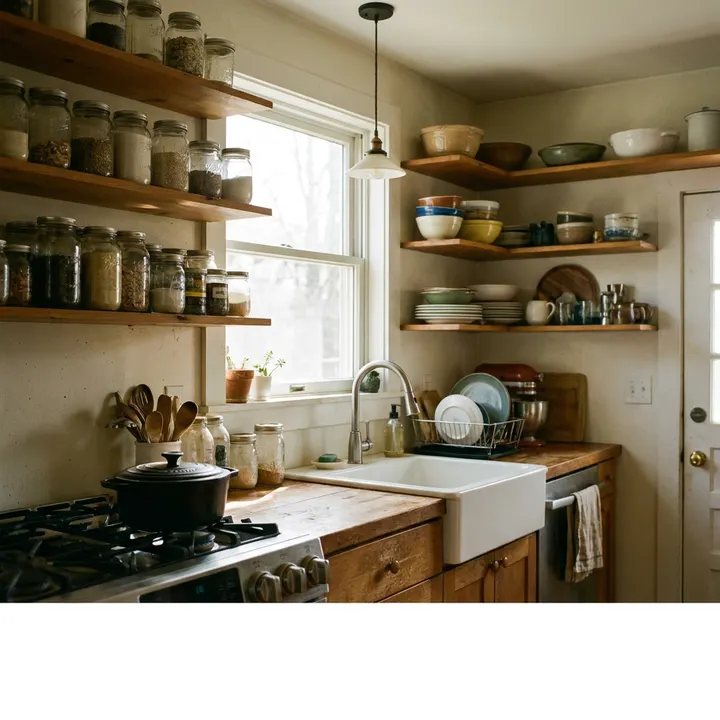








Who and what is in it
Add a subject
Must be in the picture
One a line, used word for word
Keep out
For example: text, watermark, extra people
Seed
Random
File type
what you get
Pictures for every post, without a photo shoot
From a line to a featured image
Describe the picture, pick the shape and the model, and choose from what comes back. Every download gets a sensible file name, ready for the post.
- Every top image model in one place
- Sensible file names on download
Your brand's look, every time
Show Imagen a few of your images once, and every new picture comes out in that style. Image Studio adds 1,086 looks of light, lens, framing and mood, each shown with a sample before you use it.
- Brand styles from a few of your images
- 1,086 looks, each with a sample
Pictures made to rank and to belong
Rank Images shows what Google Images ranks for a keyword, so you can make the picture to beat it. ProfilePix makes realistic portraits of people who do not exist, for author pages.
- See what Google Images ranks
- Portraits for author pages
how it works
From an idea to the picture on the post
- 01
Describe it
A line of text, or one of your brand styles.
- 02
Pick a model and looks
Every top image model and 1,086 looks.
- 03
Choose the best
Compare what came back, share it with your team.
- 04
Download
With a sensible file name, ready for the post.
capabilities
Everything for the pictures of a post
Image Studio
Every top image model, with its settings, in one screen.
1,086 looks
Light, lens, framing and mood, each with a sample.
Brand styles
A look learned from a few of your own images.
Every shape
From wide featured images to tall pins.
Rank Images
What Google Images shows for a keyword, and how to beat it.
ProfilePix
Realistic portraits of people who do not exist.
Shared gallery
Your team's images in one place, ready to download.
Sensible file names
Named for what the picture is, not a random string.
faq
Questions about Imagen
What it does, how it works and what your team gets from it.
Still curious? Book a demo or write to us.
01Which image models can I use?
The top image models in one place. Pick one for each request in Image Studio, with its own settings.
02What is a brand style?
A look learned from a few of your own images. Every picture you make with it comes out in that style, so a site's images belong together.
03What are looks?
1,086 choices of light, lens, framing, mood and more, each shown with a sample picture, so you choose by seeing rather than guessing the words.
04Are the people in ProfilePix real?
No. ProfilePix makes realistic portraits of people who do not exist, for author pages.
05Can my team see the images I make?
Turn on sharing and your images go to the shared gallery, for the teams you are in.
works well with
Imagen works best with the rest of the workspace
- PaperWrite together with the brief beside youMake the featured image without leaving the paper.
- Blog FeaturesCalculators, charts and more inside a postBlocks that give the post more than a picture.
- Super ResearchWhat ranks, who reads it and what they askKnow what the post is about before you picture it.
get started
Make every post your best performer
Research, write, design and watch every post in one workspace, built with the editors who use it.